
CUSTOM TATTOO CREATOR SCRIPT QBCORE , QBOX & ESX (IN-GAME)
EUR
10.00 EUR
Preview
Discord
Docs
How It Works
-
Get Ready: Open the menu
-
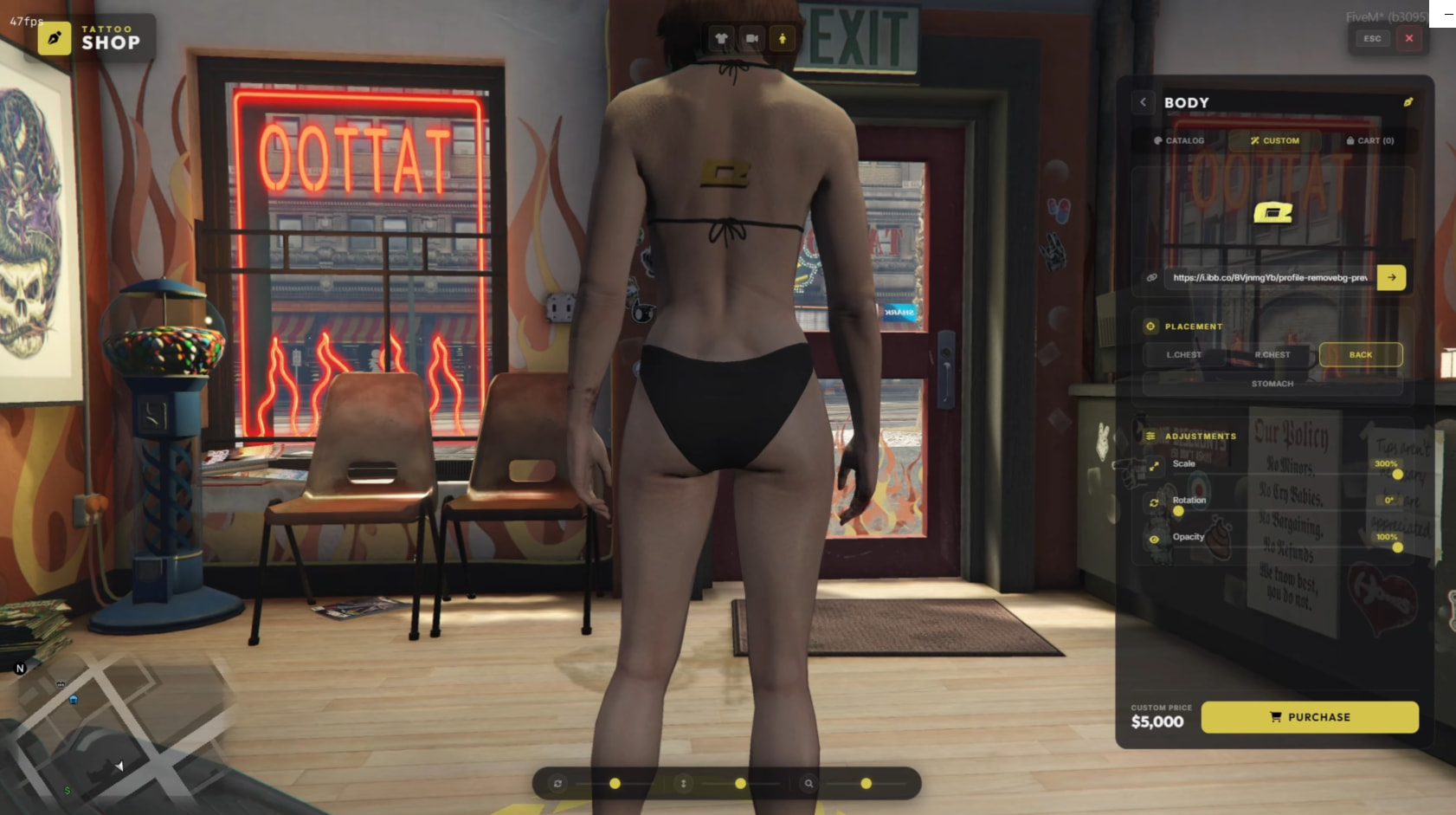
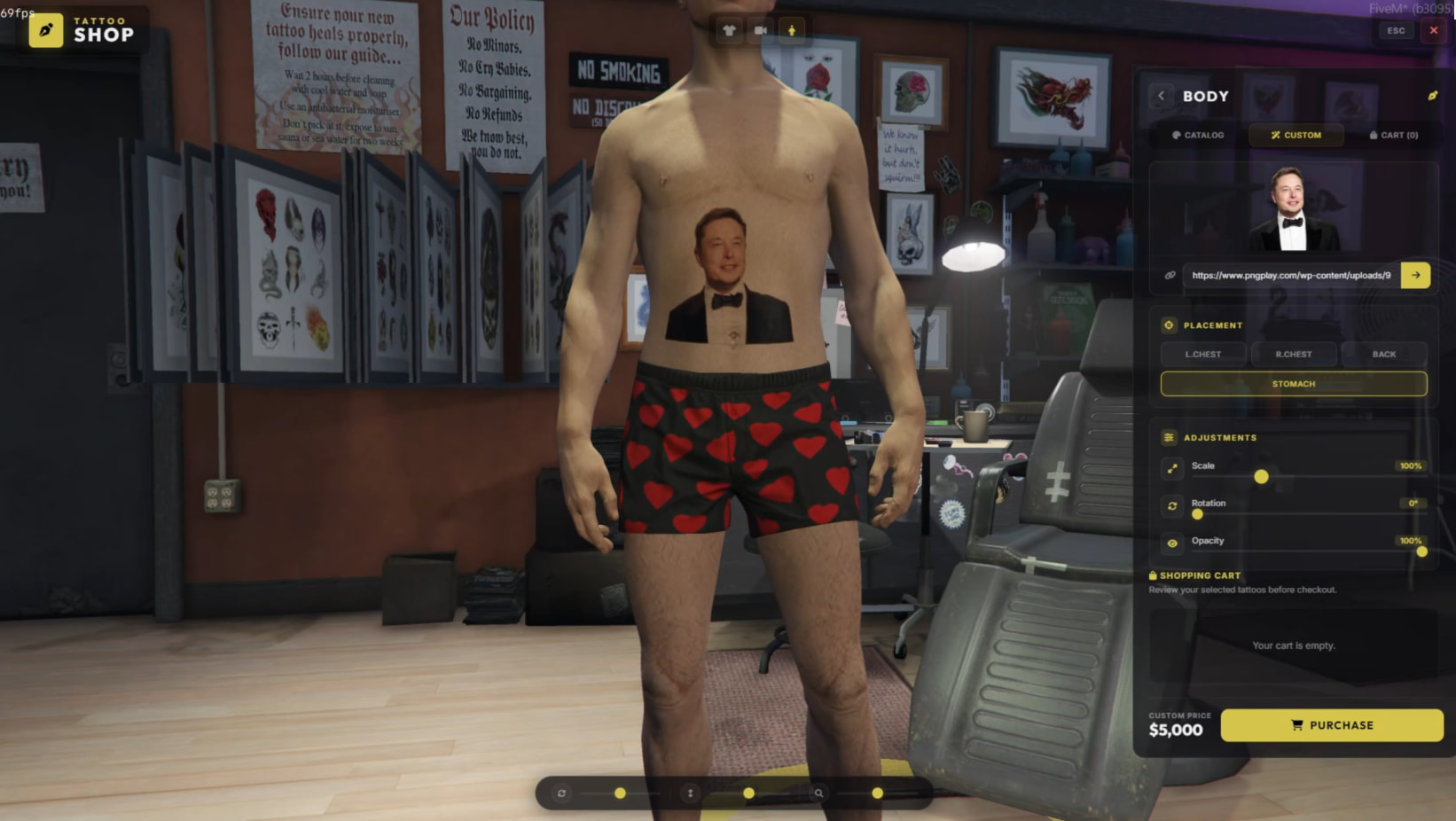
Upload: Find an image online of the tattoo you want to get and copy the URL and then paste the link into the URL field
-
Placement: Then place the tattoo where you want it
-
Scale & Rotation And Opacity: You can customize these settings as you like through the menu
Optimized Performance
-
0.00 ms latency | Highly optimized, ready-to-use code.
-
Modern Interaction System
- Smooth and user-friendly interface for the best player experience.
Full Compatibility
- 100% compatible with ESX, QBCore, and QBOX
Easy Configuration
- A comprehensive
config.luafile for quickly and easily configuring menu controls, available tattoos, pricing, categories, and detailed UI settings.
Step-by-Step Guide
- Comprehensive documentation for an easy plug-and-play setup.
Screenshots
Custom ingame tattoo adder (url to ingame)
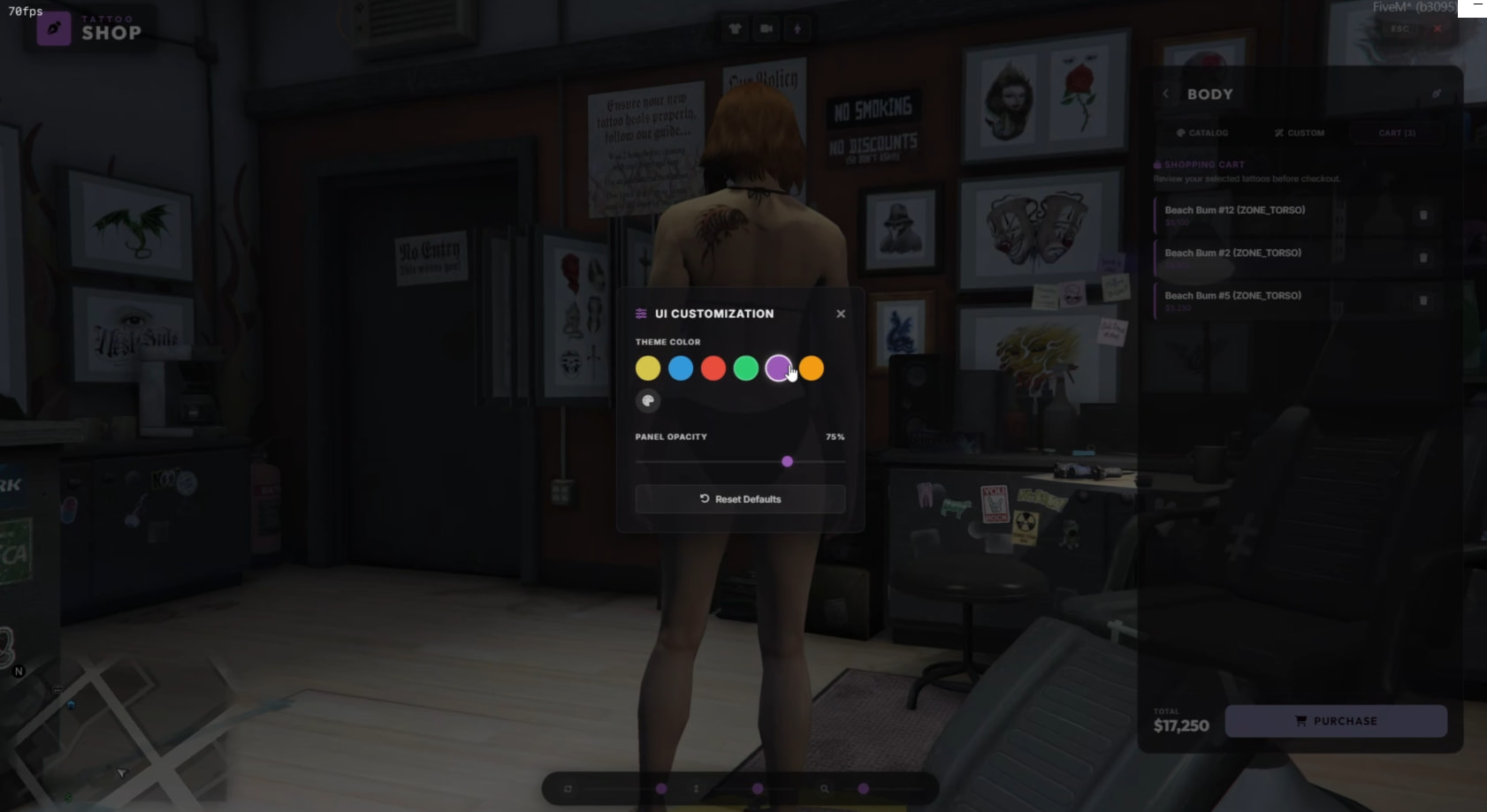
ADVANCED CUSTOMIZABLE UI SYSTEM
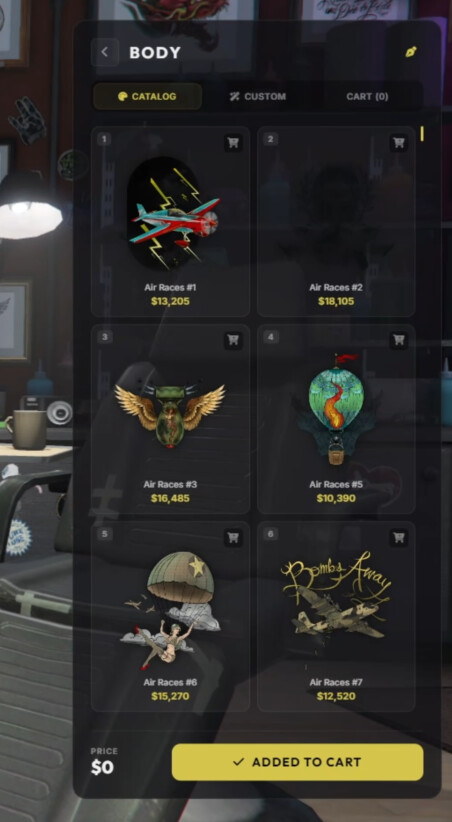
+500 GTA V tattoo with image
Code is accessible | Yes |
Subscription-based | No |
Lines (approximately) | 1500+ |
Requirements | esx,qb,qbox |
Support | Yes |